

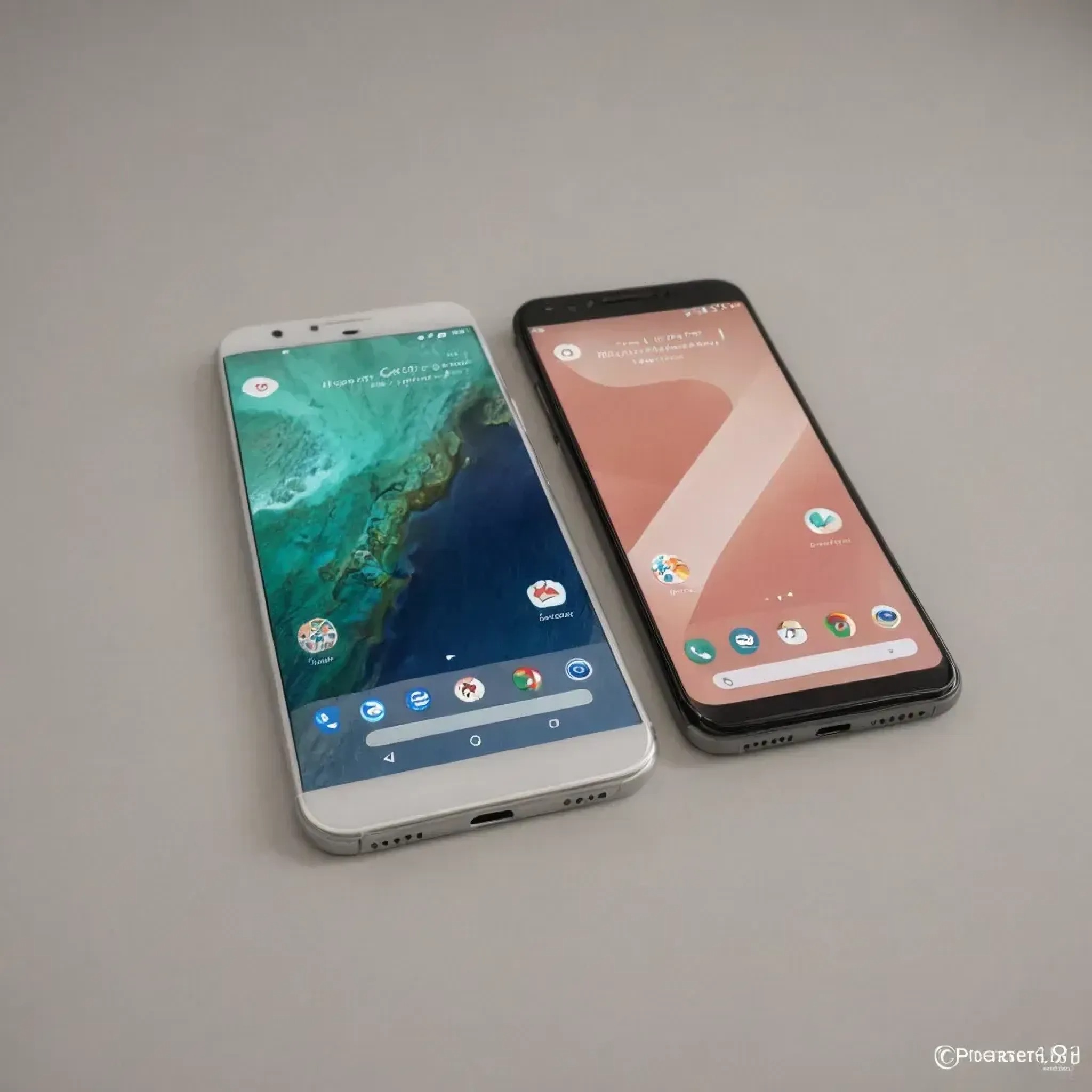
Heads up, Android fam — Google just dropped a slick new AI Mode shortcut that’s gonna make playing with generative AI way easier right from your homescreen. Yup, no more digging through menus or launching five different tabs just to try a prompt. It’s fast, it’s smooth, and it’s rolling out now.
Here’s the tea: According to 9to5Google, the latest version of the Google app (v16.28) — whether you’re on beta or stable — now comes with this AI-powered goodness. It used to be a Pixel-exclusive flex, but now everyone on Android is invited to the party.
So… what does AI Mode actually do?
It opens up a full-screen interface where you can just type in your prompts like you would in a normal Google search — but instead of boring results, you get AI-enhanced answers. Think summaries, suggestions, and that ChatGPT-style vibe, all baked into your regular search flow.
Where to find it?
The redesigned Search widget now has a shiny little circular AI icon (right next to the mic and Google Lens icons). If it’s not showing yet, here’s how you activate it:
- Long-press the Search widget on your home screen
- Tap “Customise”
- Go to Shortcuts
- You’ll see “AI Mode” chilling as the second option in the grid
- Add it. Done. Magic unlocked.
Bonus for non-Pixel users:
If you’re not in the whole Search Labs crew, don’t worry. You’ll still see the AI Mode shortcut as a pill-shaped button in the color carousel right below the search bar. It’s not baked into the widget yet, but it still gets the job done.
Whether you’re testing AI for fun, curiosity, or those late-night “why do cats hate water?” searches, this update is 🔥. Just a few taps and boom — you’ve got a full-blown AI convo going.
